WPBakery to Gutenberg Migration: Step-by-Step Guide
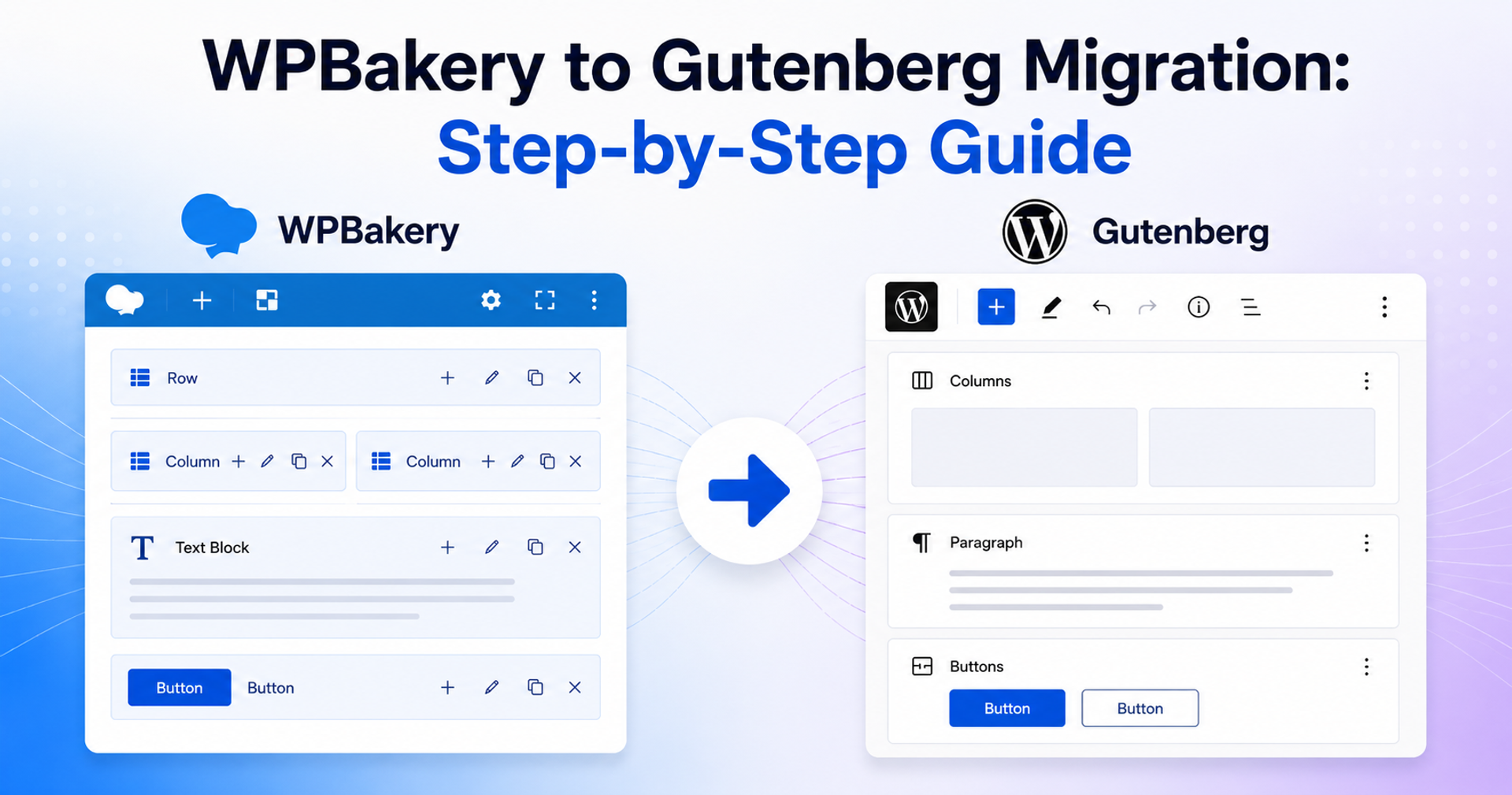
WPBakery to Gutenberg migration can feel risky on legacy WordPress sites, especially when hundreds of pages rely on nested shortcodes. This guide shows a safe, practical workflow you can run page by page with Shortcode to Blocks Pro so you can convert content without breaking layouts, losing data, or guessing your next step.
Step 1: Set Up the Plugin Stack and Activate Pro
Start by installing and activating both the free Shortcode to Blocks plugin and Shortcode to Blocks Pro. After that, enter your license key in the settings area so the full Pro interface becomes available.
Once everything is active, you should see the main Pro screens: Convert, Revert, Tools, Logs, and Converted Posts. That full set of tabs is what turns the plugin from a simple converter into a migration workflow.
Step 2: Run a Detection Scan Before You Convert
Before you convert a single page, run the detection scan from the dashboard. This step matters because it tells you where WPBakery content actually exists across the site.
That gives you a much clearer starting point. Instead of working from assumptions, you are looking at real detected shortcode content. Your totals, progress, and priorities are based on actual WPBakery usage, which makes the rest of the migration much easier to plan.
Step 3: Start With a Small Segment on the Convert Screen
When you open the Convert screen, resist the urge to migrate everything at once. Start with a small, representative segment instead. Use the available filters, such as post type or parent to choose a safe group of pages to test first.
This makes the process much more manageable. A smaller segment gives you room to confirm that the conversion behavior matches your expectations before you scale up to larger batches.
Step 4: Use Dry-Run Preview Before Committing Changes
One of the most useful parts of the Pro workflow is the dry-run preview. Before writing changes to live content, run the preview and inspect what the plugin expects to convert.
This is where you catch issues early. If a layout needs a second look or a page type behaves differently than expected, it is far better to discover that in preview than after a full conversion. Dry-run helps you move with more confidence, especially on larger or more complex sites.
Step 5: Convert the Content and Validate the Result in Gutenberg
Once the preview looks right, run the conversion on your selected segment. After that, check the converted content in two places: inside the block editor and on the front end.
In Gutenberg, make sure the page structure is clean and editable. On the front end, make sure the content order, links, buttons, media, and overall layout still make sense. The goal is not just to convert shortcode content into blocks. The goal is to end up with pages that are stable, readable, and easy to maintain going forward.
Step 6: Review the Run in Logs
After the conversion finishes, open the Logs screen and review what happened. This gives you a clear record of actions, statuses, and any failures that need attention.
That audit trail is especially useful if you are working on a larger site, collaborating with a team, or documenting the migration for a client. Instead of relying on memory, you have a record of what ran and what the outcome was.
Step 7: Use Revert Instead of Manual Cleanup
Not every run will be perfect, and that is exactly why Revert matters. If a conversion needs to be adjusted, revert it cleanly instead of trying to patch the page manually.
That keeps your migration process structured. Manual cleanup may feel faster in the moment, but it usually creates inconsistent results and makes future troubleshooting harder. Revert gives you a clean way to step back, adjust your approach, and run the conversion again with more confidence.
Step 8: Scale in Batches and Keep the Project Organized
Once your first segment converts cleanly, you can start scaling up. Move through similar groups of content in batches and follow the same rhythm each time: scan, preview, convert, validate, and review.
As the project grows, use Converted Posts and Tools to keep everything organized. Those screens make it easier to track what has already been processed, what still needs attention, and how to keep backups and cleanup tasks under control as the migration continues.
Final Takeaway
A successful WPBakery to Gutenberg migration is not just about converting content. It is about following a process that gives you visibility, control, and a clean fallback when something needs a second pass.
That is the real value of Shortcode to Blocks Pro. The workflow is straightforward: detect the content, preview the changes, convert carefully, validate the result, review the logs, and revert when needed. When you approach migration that way, even a large WPBakery site becomes much more manageable.
Purchase Shortcode to Blocks Pro